Tutorial - Creating and Deploying Surveys - Creating Questions and Pages Cont.
You should now be back in the Survey Editor which has been updated to reflect the new question you created:
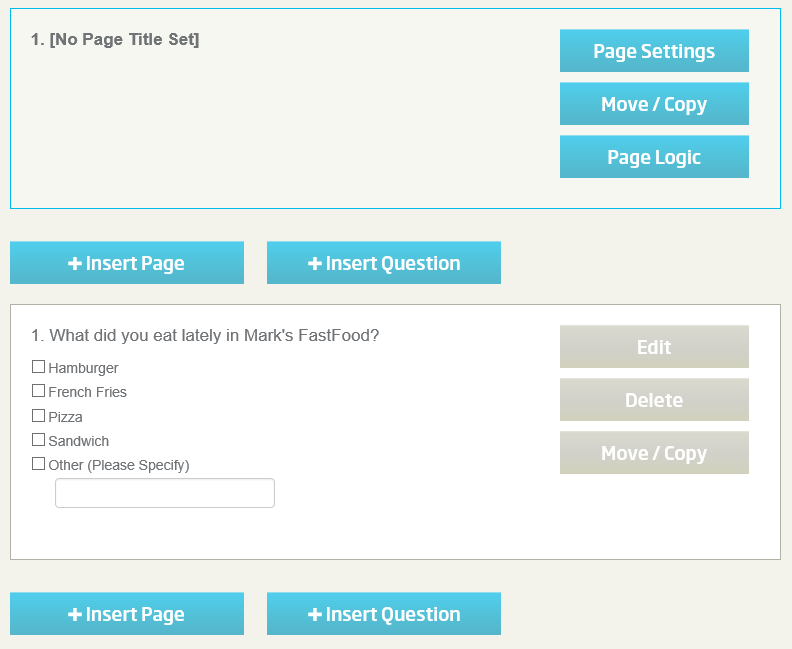
Next, let's change the title of this page. Click on the "Page Settings" button found in the Page 1 Title Bar.
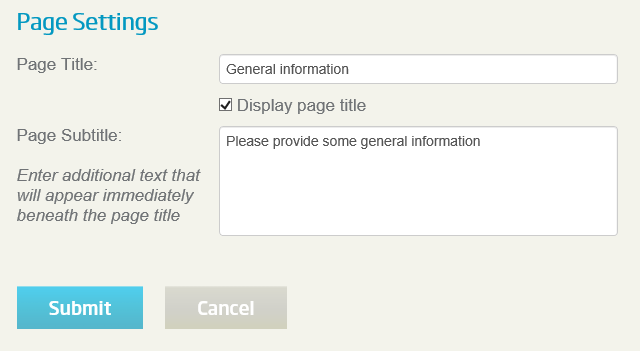
Change the Page Title and Page Subtitle as shown below then click the "Submit" button:
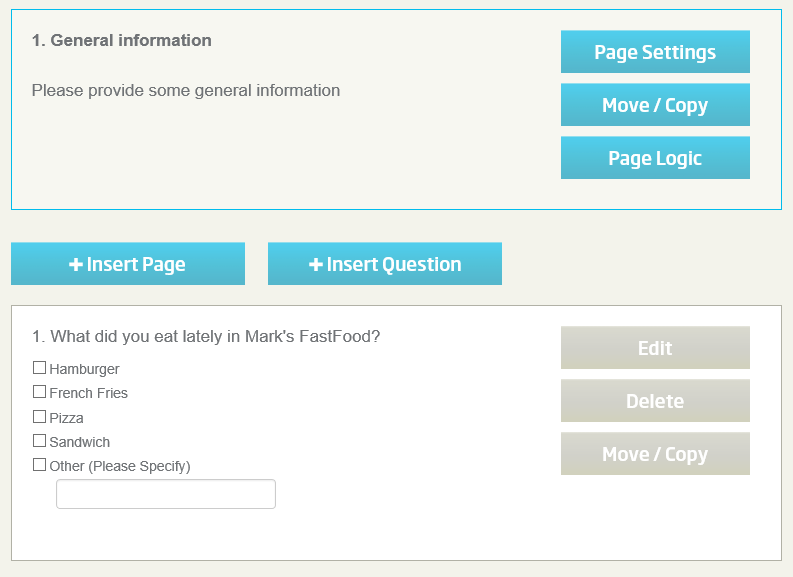
The Survey Editor should now reflect the new page title and subtitle:
Click NEXT to continue with this tutorial.
<< Back
Next >>